Using Magpie Clusters
Introduction
Magpie data workloads execute on a cluster. Clusters are defined and managed using the Magpie DSL. Your Magpie instance will come configured with a single default cluster. Additional clusters can be sized, started, stopped, and managed based on organization data volume and processing requirements.
Viewing Clusters
Magpie cluster details be viewed in the Magpie Notebook by selecting the “Clusters” option on the top navigation bar.
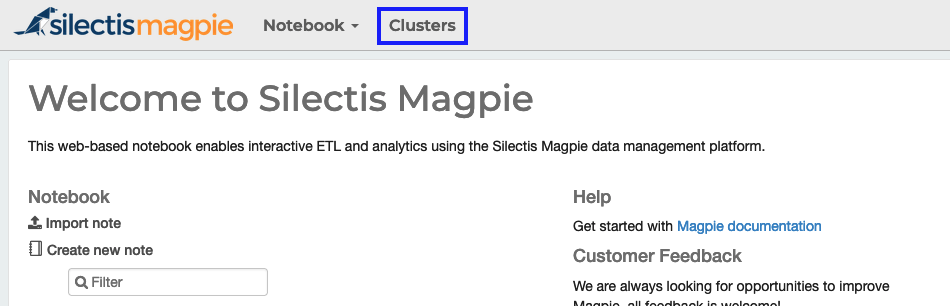
This will take you to the Clusters page. Here, you can view your defined clusters, search and filter them, and select the cluster to use when running notebooks. Magpie tracks the health of clusters and will display the current health status of each cluster node as well as the cluster overall on this page.
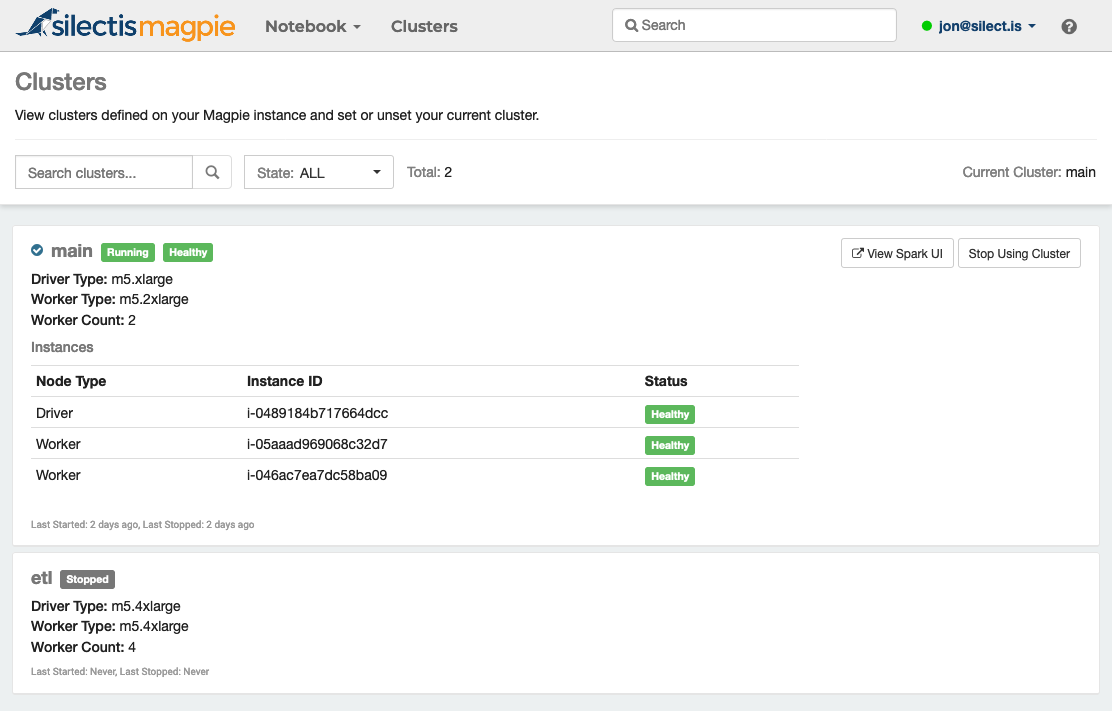
The clusters and options displayed here will be filtered based on your defined permissions. If you have been granted at least read access to a cluster, you will be able to navigate to the underlying Spark UI using the “View Spark UI” link.
Using Clusters
Some metadata-only commands in notebooks are able to operate without a cluster, but most require a cluster to run on. If you attempt to run a command that requires a cluster, but you do not have one set, you’ll see an error like this:

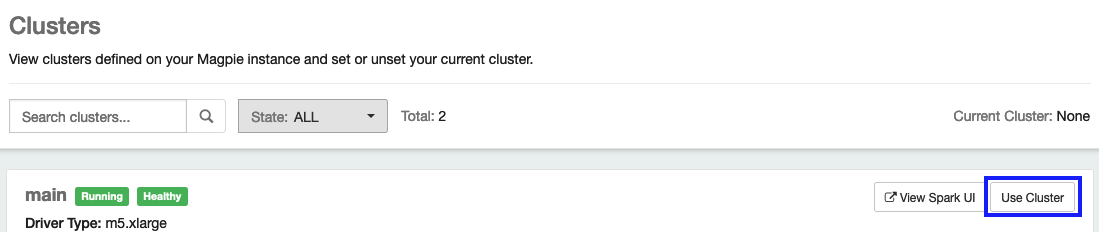
To set a cluster, you can navigate to the Clusters page and click “Use Cluster” on the cluster you want to use:
Or, you can run the use cluster command in the notebook:

After setting your cluster, rerun the original command to execute it on the cluster.
Managing Clusters
Clusters can be created, altered, dropped, started, and stopped by organization admins using the Magpie DSL. Additionally, users can be assigned permissions to use, read, operate, or administer individual clusters using Magpie permission management. More information about managing clusters can be found in the Managing Clusters section, starting with Creating and Altering Clusters.