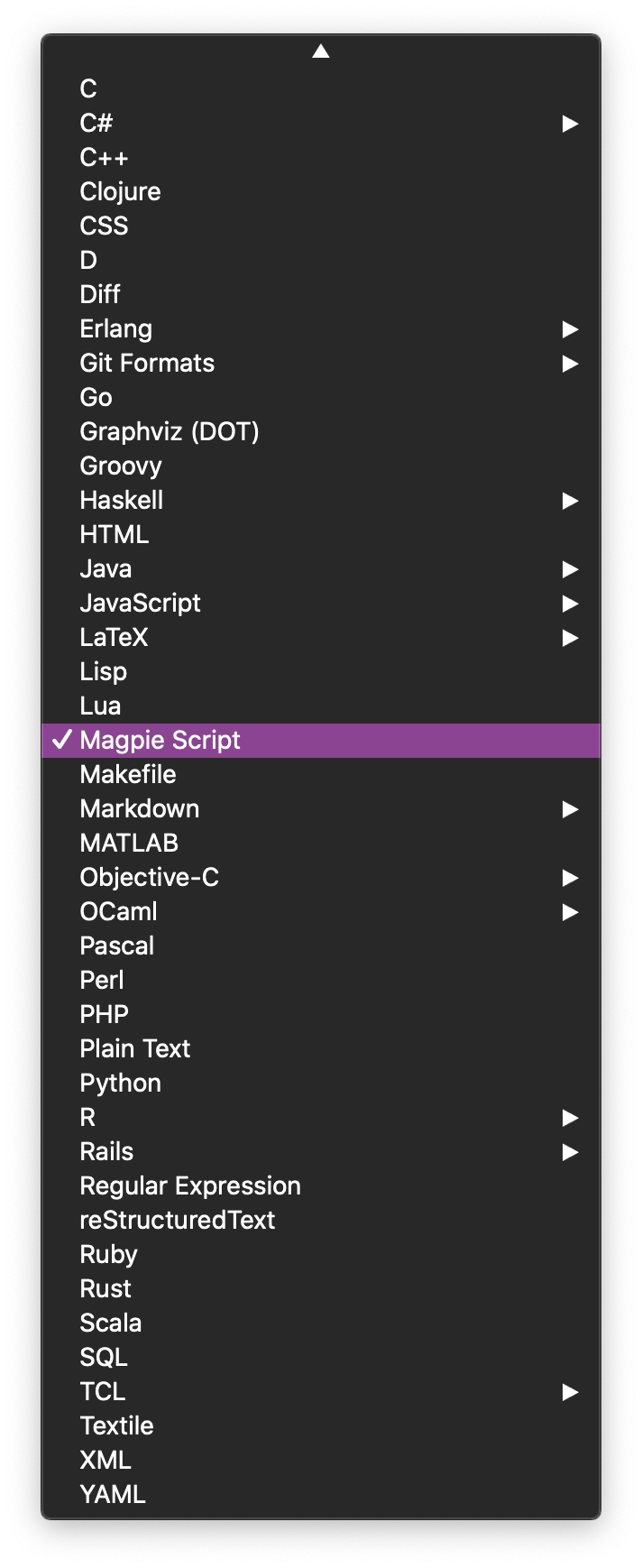
Syntax Highlighting for Sublime Text
Sublime Text 3 users can download Magpie syntax highlighting from Sublime's Package Control. Magpie syntax will be automatically highlighted for .magpie files.
Prerequisites
- Sublime Text 3, build 3092 or above.
- Install Sublime Package Control.
Steps to Install Magpie Syntax Highlighting
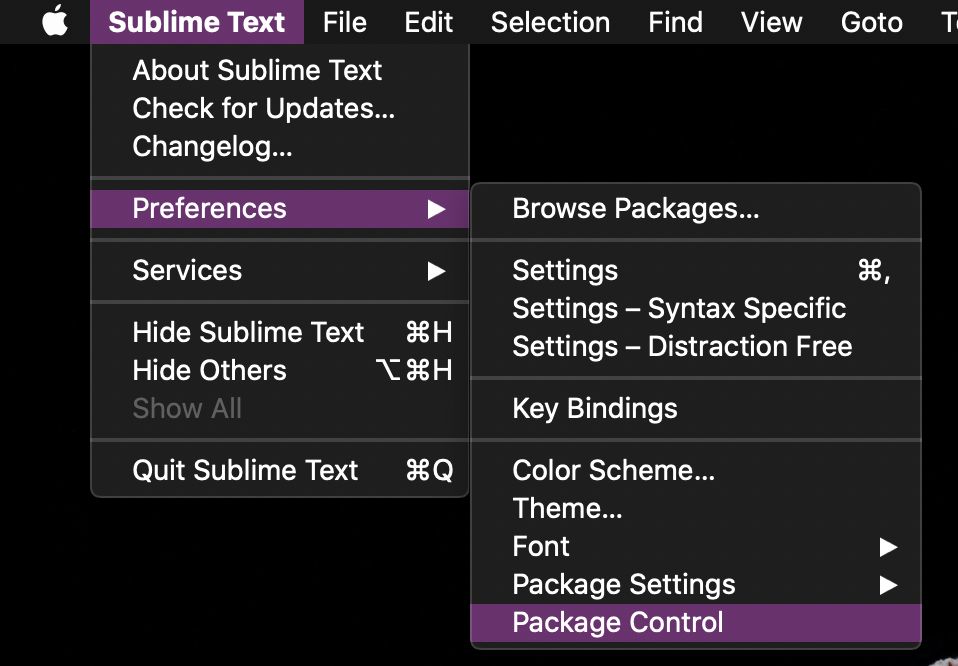
- Access Sublime’s Package Control.
- By using the menu Sublime Text > Preferences > Package Control…
- Or by pressing the shortcut keys ⌘+Shift+P and entering:
Package Control:into the input box.
- By using the menu Sublime Text > Preferences > Package Control…
- Once open, select
Package Control: Install Packagefrom the results.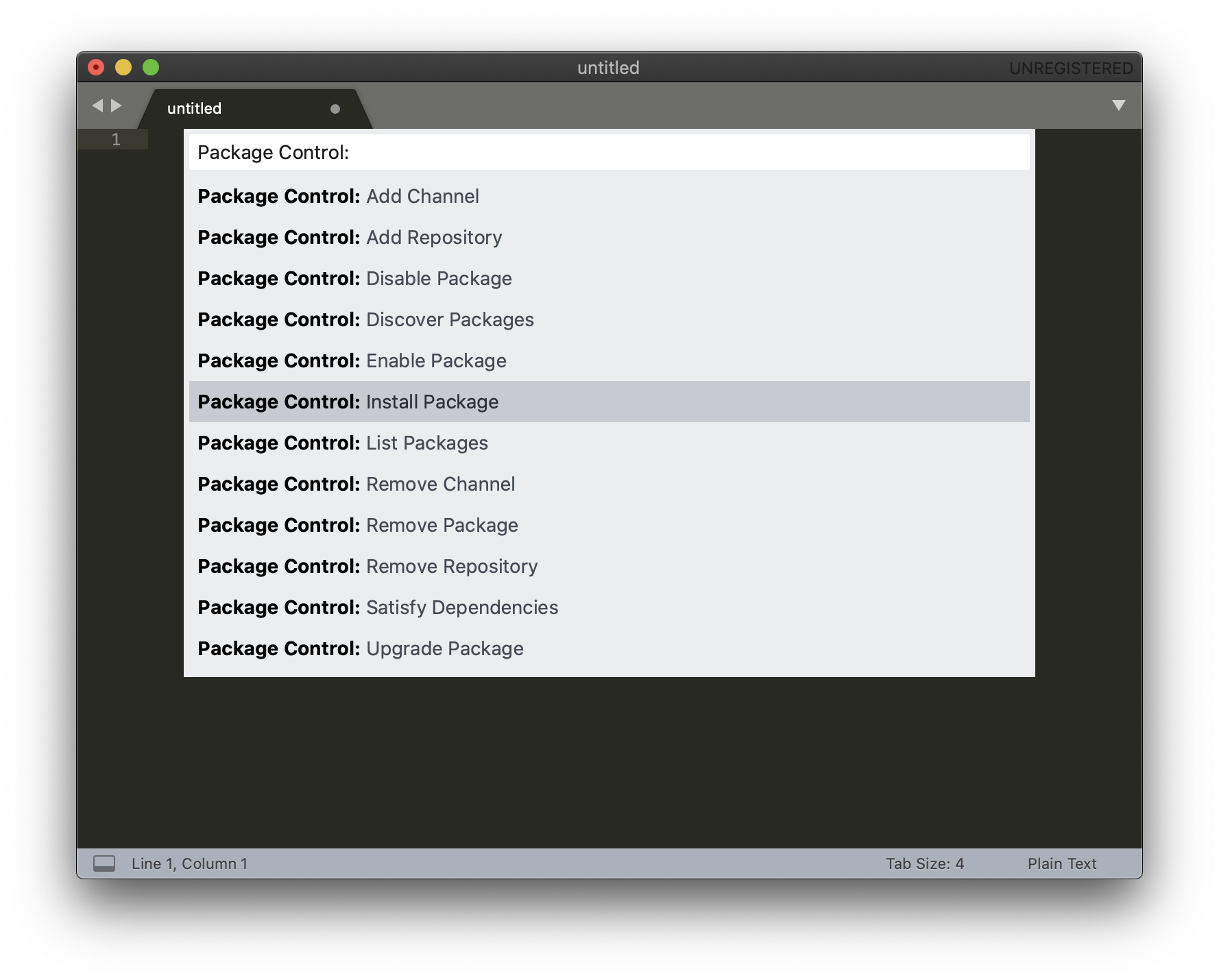
- Enter and select
Magpiefrom the dropdown options.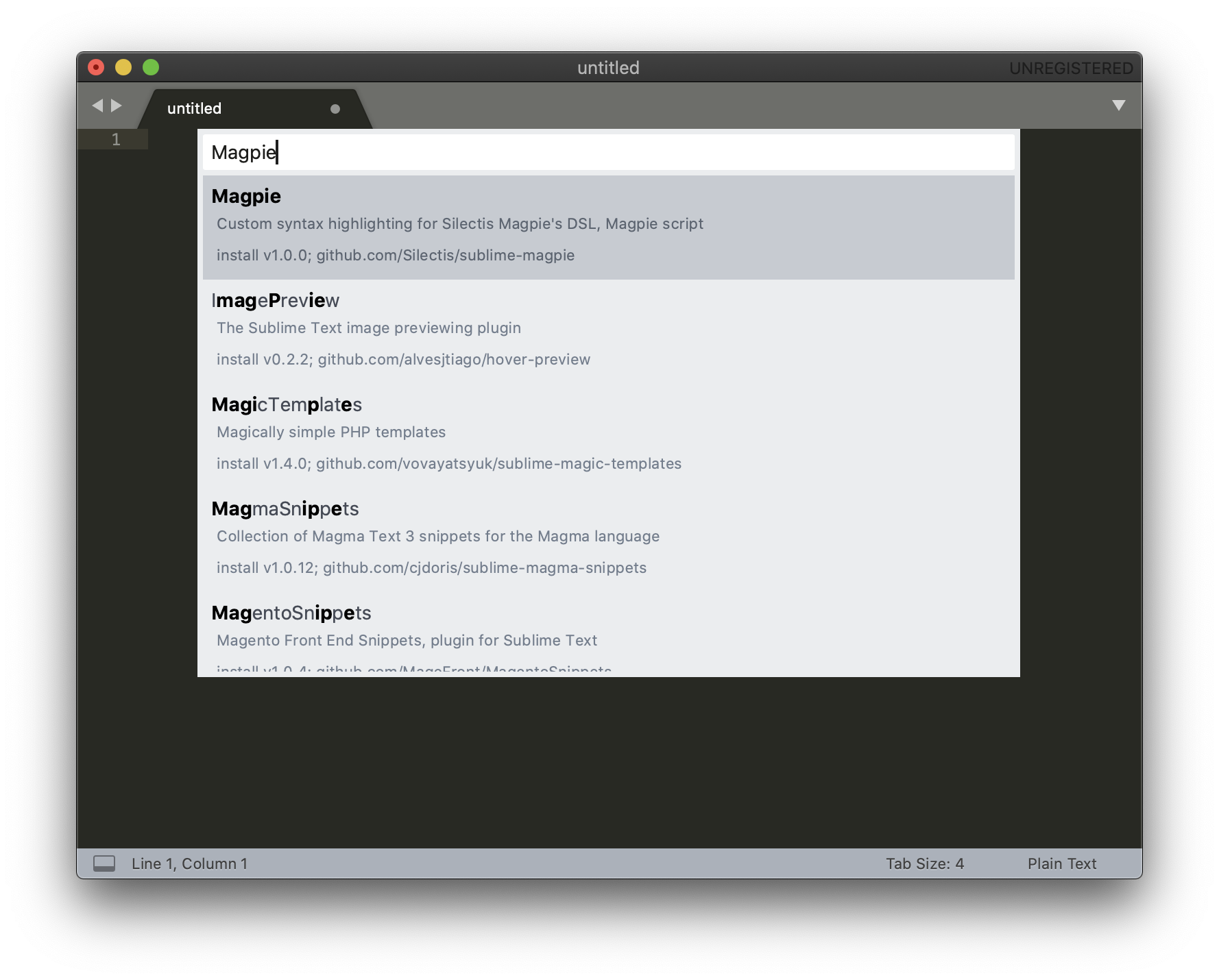
- You will now see Magpie Script in your syntax options (bottom right hand corner of the editor window).